



Autodesk has released version 2.11 of its procedural toolset Bifrost for Maya, introducing a series of new features aimed at improving the workflow of Artists in visual effects (VFX), animation, and game development. The updated version builds on the foundation of Bifrost’s node-based system, focusing on stability and integration with Maya’s core functionalities.
Key highlights of Bifrost for Maya 2.11 include enhanced support for USD (Universal Scene Description), which is becoming a standard across multiple industries. The update ensures smoother interaction between Maya’s native scene format and USD, making it easier for Artists to integrate Bifrost simulations into larger, multi-software pipelines.
A notable addition in 2.11 is the fluid simulation framework update, which optimizes existing setups. Users can expect more reliable results with large-scale simulations, such as water, smoke, or fire. Additionally, the revamped material point method (MPM) solver improves the simulation of granular materials like sand or snow. According to Autodesk’s documentation, this method is designed to achieve better physical accuracy in scenes where detail is crucial.
Bifrost’s graph-based workflow sees further enhancements as well, including new nodes and a streamlined interface. The update reduces the number of repetitive tasks by allowing for faster iteration cycles, saving time when working on complex procedural effects. Autodesk emphasizes that these updates prioritize stability, an important consideration for Artists working under tight deadlines.
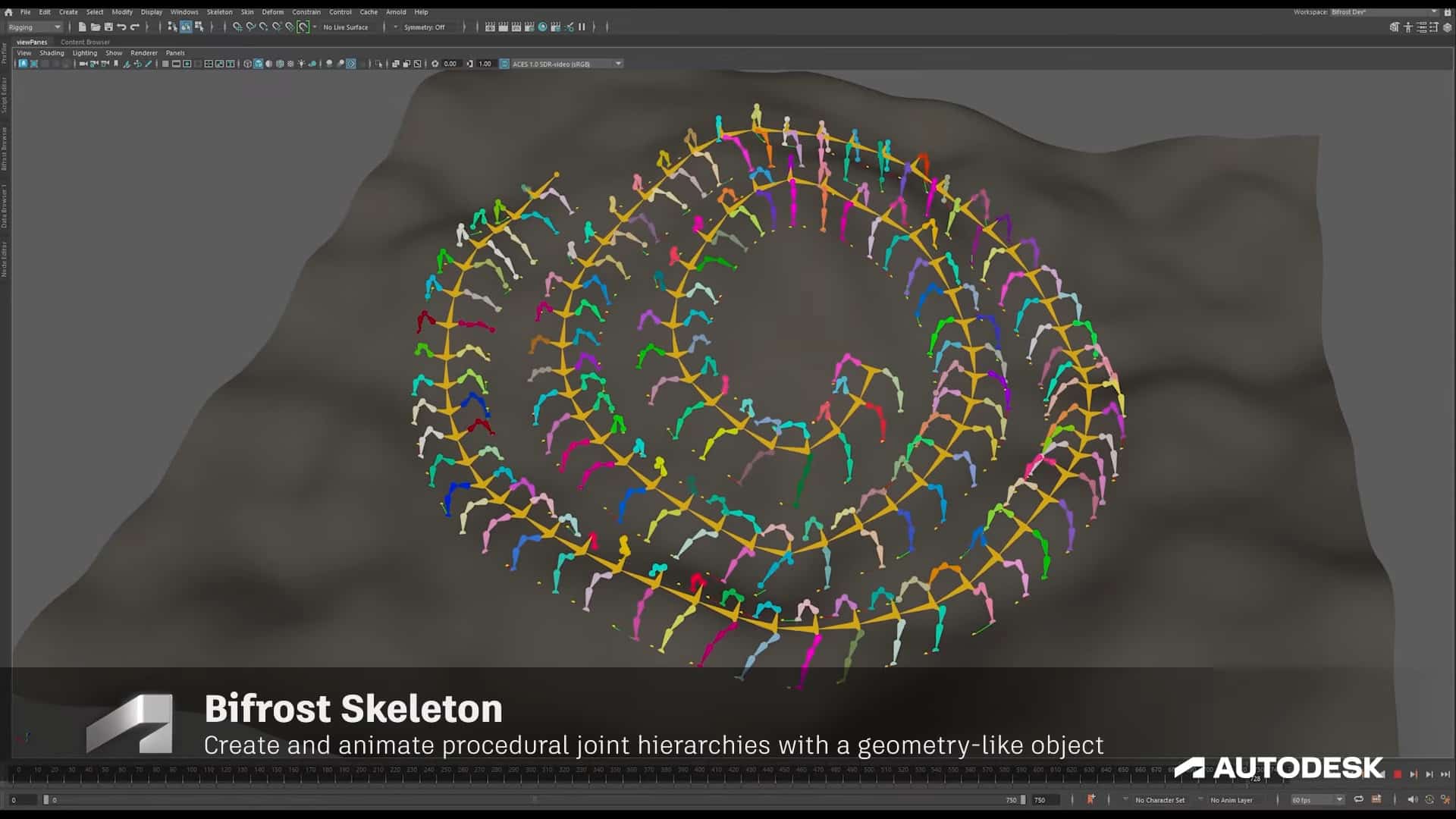
The release also introduces a new scattering framework. This tool enables Artists to distribute objects procedurally across a scene while maintaining control over placement and variation. The framework works seamlessly with other Maya features, allowing for the generation of natural-looking environments.
Bifrost 2.11 is available as part of Maya’s subscription model, with pricing starting at $1,700 per year. Autodesk offers a 30-day free trial, and updates are included at no extra cost for existing subscribers.
Before integrating any new feature into a production pipeline, Users should thoroughly test its compatibility with existing workflows. Autodesk’s official documentation provides detailed guidelines and best practices for setting up Bifrost in Maya 2.11. For more information and a full breakdown of features, visit the Autodesk product page.
