



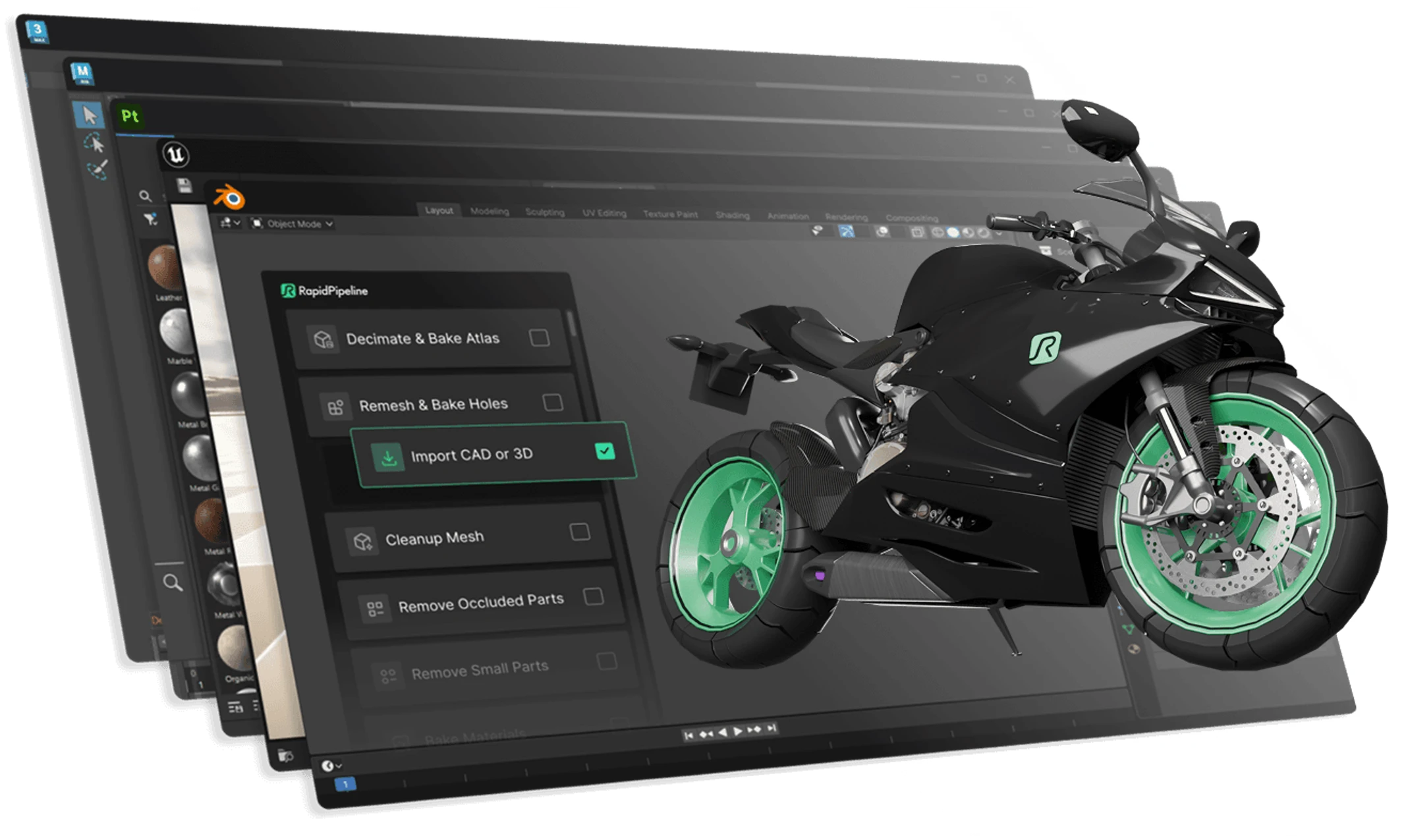
The latest version of RapidPipeline adds a 3D Processor integration for 3ds Max and Maya. This integration enables users to import CAD and 3D data, clean up geometry, remesh models, remove invisible or unnecessary parts, bake textures, generate UVs, and export in multiple real-time friendly formats, all from within their usual DCC interface. Everything runs 100 % locally, avoiding cloud-upload or external tools.
RapidPipeline supports importing over 20 CAD and 3D file formats including native CAD formats from tools such as Rhino (.3dm), CATIA, Solidworks, and PTC Creo, as well as common 3D formats like FBX, glTF, USD, and USDZ. On import it can automatically apply cleanup operations such as correcting winding order, removing hidden geometry, and simplifying meshes by tessellation and decimation.
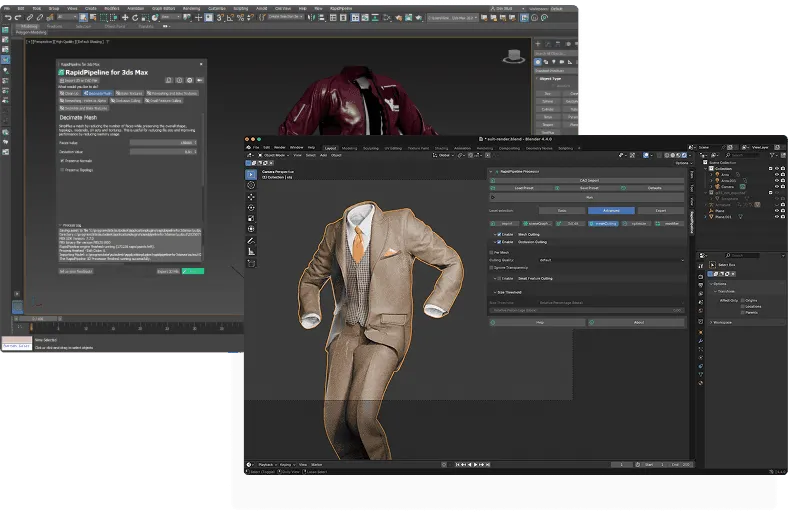
Once imported, the 3D Processor offers a variety of optimisation capabilities: mesh decimation, remeshing (for example shrink-wrap or voxel-based), removal of occluded or small parts, scene-graph flattening, UV generation and texture baking (to atlases) for streamlined real-time or game-ready use.
Export options are equally broad. RapidPipeline supports output to formats such as FBX, glTF/glb, OBJ, PLY, STL, USD (binary or ASCII) and USDZ. Export settings cover texture map formats, normal maps, compression (when applicable) and material format conversions (including PBR conversion for real-time workflows). Because all processing remains local and unrestricted (no usage caps), RapidPipeline may suit studios working with large or confidential CAD data sets, or projects targeting real-time, XR or web 3D.
Why this matters for production use
For studios dealing with heavy CAD or industrial assets such as automotive, architecture, or manufacturing , this plugin removes the need to switch between separate CAD-to-mesh converters, remeshing tools, UV-packing utilities, and DCCs. By consolidating import, cleanup, optimisation, texturing and export inside the DCC, it reduces friction and potential errors while streamlining iteration.
For real-time, XR or web-based deliverables, having decimation, remeshing, hole-to-alpha baking, UV atlas baking, and efficient export makes it significantly easier to meet performance and memory budgets. Because RapidPipeline operates locally, it also avoids data security and transfer concerns common with cloud-based converters, a benefit for confidential or large-scale CAD datasets. The plugin’s versatility from CAD to real-time friendly formats makes it relevant across workflows: vfx, visualisation, virtual showrooms, game-ready assets, web 3D, and XR applications.
What to watch out for / what to verify when using it
Not all input data types are equally supported. For CAD import, the quality of tessellation depends on chosen resolution (extra-fine, fine, medium, coarse, extra-coarse or custom), which affects mesh density and surface fidelity. Users should evaluate the trade-off between complexity and fidelity after tessellation or decimation.
When using automatic fixes such as “Fix Winding Order”, results need manual inspection. Meshes may still have flipped faces or other issues after cleanup. If you use JSON-based presets (for batch processing via CLI or API), ensure the preset schema version matches the version of 3D Processor in your plugin, mismatches may lead to horribly invalid results.
Finally, automated decimation, remeshing, UV baking and export may introduce subtle changes in normals, topology, UV layout or material setup. Always inspect the output carefully, especially if the assets go into production renders or real-time builds.
There is a free trial availalbe here (Registration required) , and procing options start from 14€ per month (first 3 months free, online version only), and going up to the studio version with all integrations to Max, Maya, Blender, Substance, Unreal, and APIs, for 230€ monthly. Check it out here.
As always, automated optimisation should be tested thoroughly before use in actual production.
