



For those who don’t know the tool: GIMP is a free, open-source cross-platform image editor for painting and comp work, and it plays nicely with Inkscape when you need vectors and pixels to stop bickering. Think Blender for images.
Momentum, but with fewer faceplants
GIMP 3.2 ships as the first 3.2 release dated 2026 03 14, following a year of design, development, and testing by volunteers and the community, with an explicit plan to streamline releases after 3.0. The headline theme is non destructive layers. Text layers already lived that life. Now Link Layers and Vector Layers join the party, and they come with a new safety latch: you must Rasterize before destructive edits like painting. When you regret that choice, Revert Rasterize clears destructive edits and returns the layer to its non destructive state. That little switch quietly saves hours and reputations.
Link Layers let you pull an external image into a composition and scale, rotate, and transform it without losing quality or sharpness. The layer updates when the source file changes, and you can create one via Open as Link Layer in the File menu. You can also swap the linked file later in Layer Attributes.
Vector Layers arrive through the Path tool. You can draw shapes with adjustable fill and stroke settings, and the vector shape updates as the path changes. Non-destructive rotate, scale, and transform apply here too, so the shape stays editable longer. Yes, we like GIMP, and it is fun to watch the momenutm build when layers start acting like they understand revision notes.
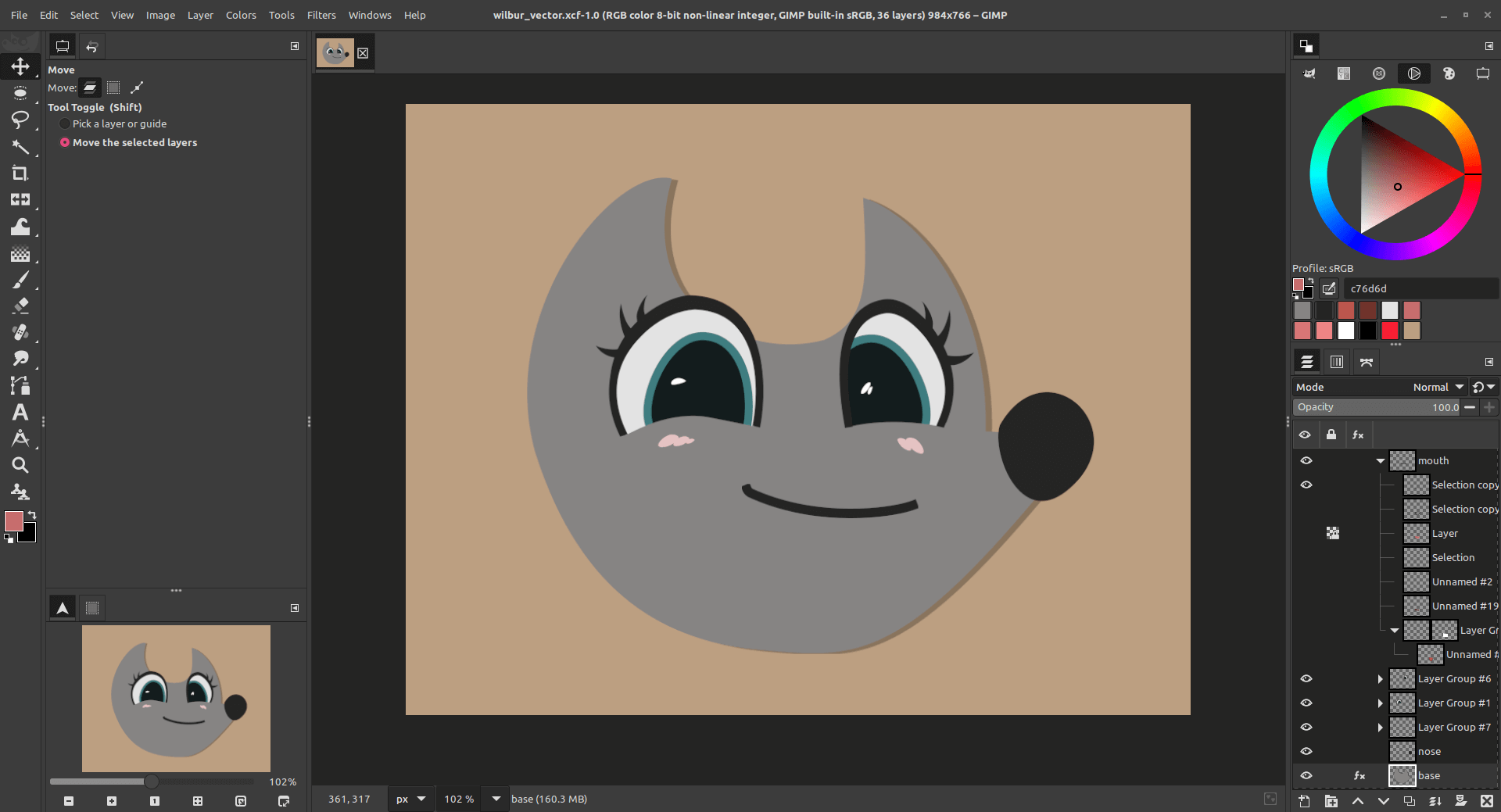
Filters stack higher, and channels get invited
Non-destructive filters now apply to channels, not just layers and layer groups. They also apply to the new non-destructive layer types, so you can keep edits flexible without immediately baking them in. Layer groups get a neat trick: an empty group set to Pass through can carry non-destructive filters that affect all layers below it. Stack multiple filters on that group and you get an adjustment style workflow that stays tidy instead of turning into a layer salad.
A new Vibrance filter lands via updated GEGL. It combines Saturation and Hue Chroma behavior for selective saturation, with a specific goal of keeping skin colors from getting over saturated. You can reach it through the GEGL Operations tool or by searching actions with slash. The release also ships companion updates for babl and GEGL as part of the wider toolchain refresh.
New tools and innovations should be tested before use in prdouction, especially when they touch core layer behavior and color pipelines.
Brushes, text, and other daily annoyances get nerfed
A new paint mode called Overwrite replaces color values as you paint without blending alpha values together. It targets pixel art workflows, and it pairs best with the Pencil Tool.
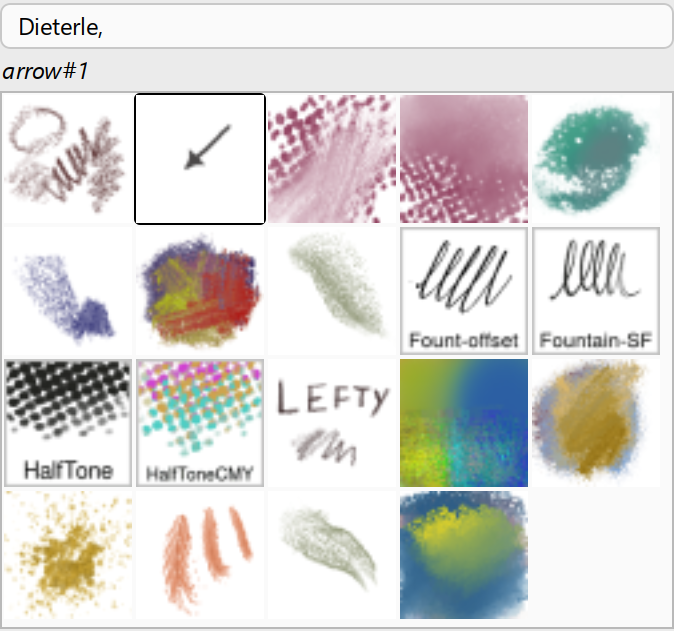
The MyPaint Brush tool updates to the newer Version 2 API from MyPaint. That upgrade adds 20 new brushes, including an arrow brush, grouped under the Dieterle tag. Text editing gets less in-your-face. The on canvas Text Editor can be dragged out of the way while you type, and it supports common shortcuts like Ctrl plus B, Ctrl plus I, and Shift plus Ctrl plus V for paste unformatted text.
Exports get more grown up
Format support expands, including built-in support for more formats and export support for JPEG 2000, a standard for digital cinema. Export support is added for PSB large document files, matching existing import support. The DDS plug-in can export BC7. The OpenEXR plug-in can render Luminance Chroma images in full colour rather than grayscale. Vector Layers also affect export: SVG and PDF export can include raster and vector layer data together. Import support is added for AVCI (a HEIF variant with H.264 images encapsulated in HEIF).
The small print, literally and figuratively
On Windows, the downloads page lists supported OS as Windows 10 1903 or newer. Now Windows 7 anymore, and that makes you sad, take loooong look in the mirror. On Linux, distribution options include AppImage, Flatpak via Flathub, and Snap via the Snap Store.
GIMP 3.2.0 is the last version distributed as 32 bit on Windows. Starting with 3.2.2 and later micro versions, there will be no 32 bit Windows build. One side effect is that the 32 bit TWAIN plug in for scanning on Windows stops being distributed, with guidance to use manufacturer scanning software for now and an invitation to help build a 64 bit WIA plug in. Pricing is free, and open source – biut you can always donate, they REALLY have earned some help!
https://www.gimp.org/release-notes/gimp-3.2.html
https://www.gimp.org/downloads/
